How To Easily Clean Your Laptop Keyboard
Your keyboard is a high-touch surface.

Laptops have seen a great deal of use the past year, especially many are working and studying from home, but as you shut it down after a long day of use, have you ever paused to consider when the last time you wiped the keyboard off was?
Your keyboard is a high-touch surface, which is why it's important to clean it often, especially since we're in the middle of a pandemic. Dust and dirt accumulate in your laptop daily and it's very important to get rid of these things. Too much of it can actually prevent your devices from working properly.
Here's a quick guide to help you with keeping your keyboard spic-and-span.
Things you'll need:
- Cleaning slime
- Disinfecting wipes
- Clear tape
- A can of compressed air
- Microfiber cloth
Procedure
- Make sure your laptop is unplugged and turned off.
- Hold it upside down and carefully shake it to let the natural dirt fall out. You can also try tilting it to the left and right.
- Use the can of compressed air to spray away any additional dust from the laptop.
- Using clear tape, collect other dirt by placing the tape's sticky side under and in between the keys. Another alternative for this step is to use cleaning slime.
- Gently wipe the top of your keyboard keys with disinfecting wipes.
- Let it dry and use a microber cloth to polish.
Watch the video below to know how you can properly clean your keyboard.
And if you're looking for keyboard cleaning supplies, keep reading for a few of our recos:
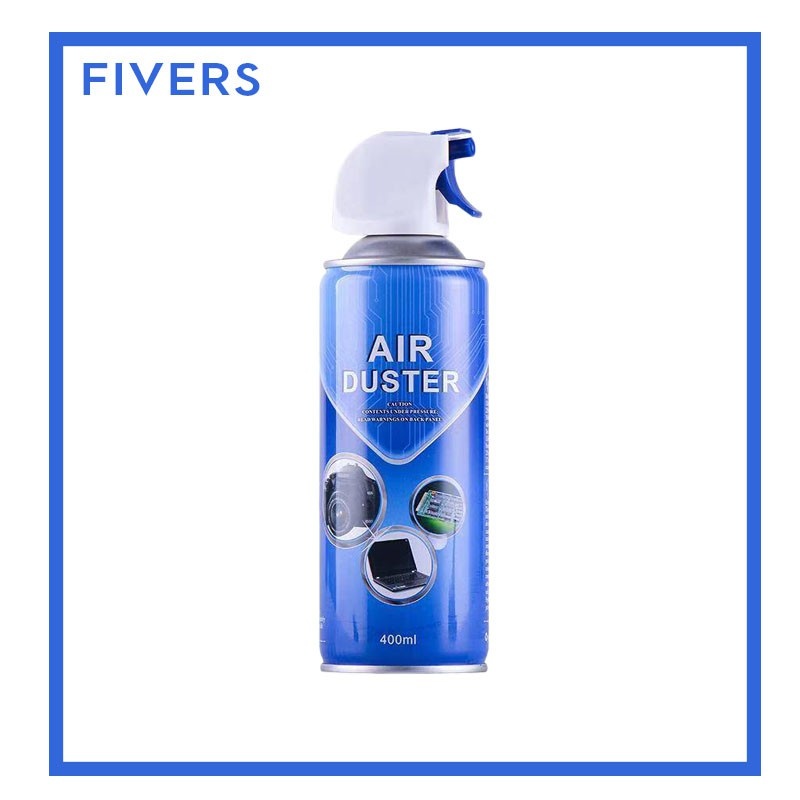
Canned Air Duster 400mL
P195, Shopee
This item helps you remove dust, lint, and other dirt from hard-to-reach areas. It comes with a nozzle/straw tube, too. Just remember, never shake the can or hold it at an angle while spraying as you don't want condensation to ruin your laptop.
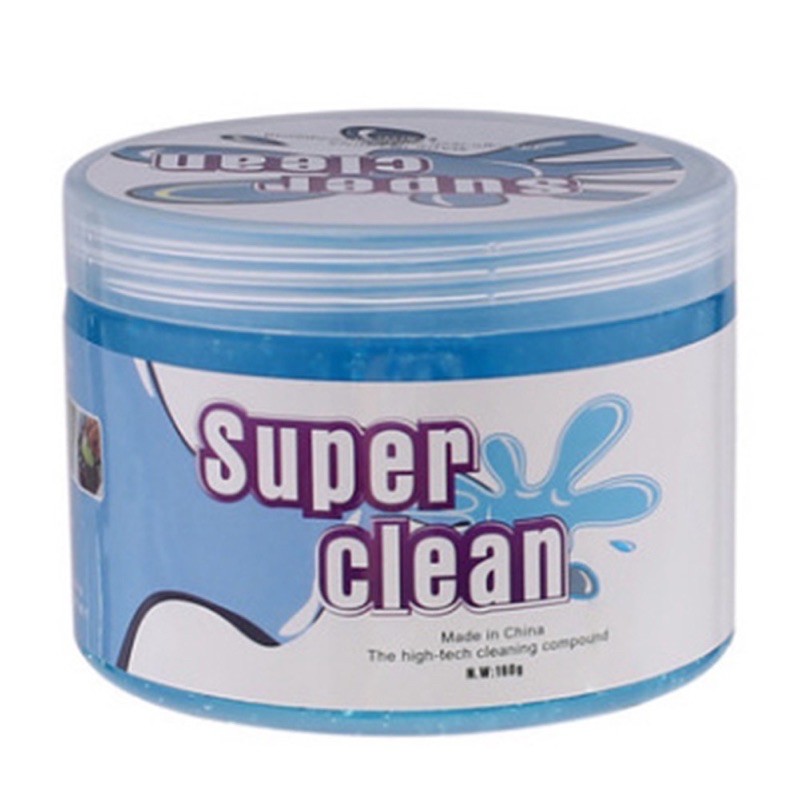
Cleaning Soft Gel
P128, Shopee
Aside from your keyboard, you can also use this to clean car interiors, cellphones, office equipment, and more. All you have to do is lay the gel on the surface to be cleaned, press it down for two to three times, and then lift it up.
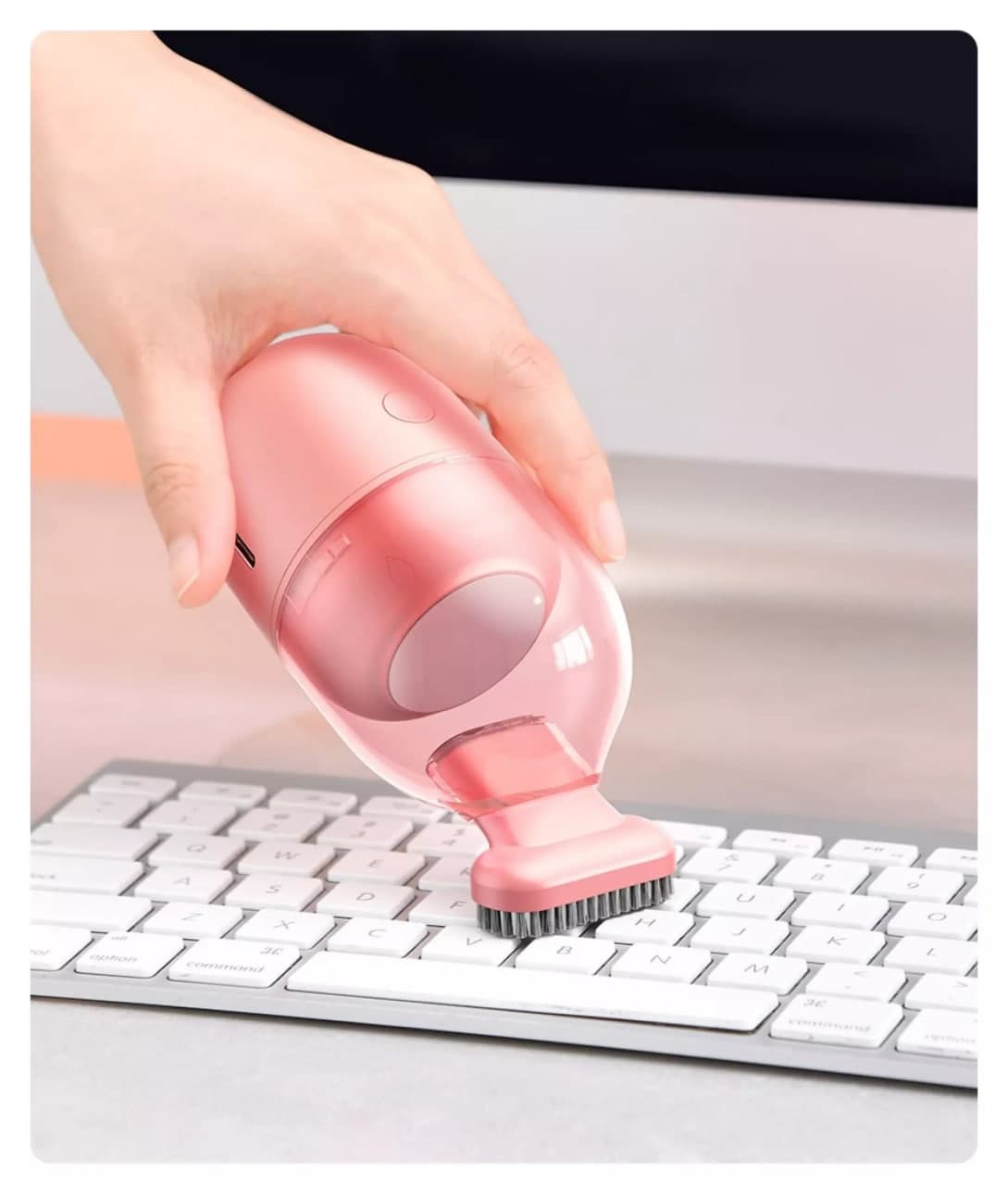
Baseus C2 Mini Desktop Vacuum Cleaner
P485, Lazada
This rechargeable mini vacuum cleaner easily removes fine dust and comes in the prettiest design! It's available in four colors: black, green, white, and pink.
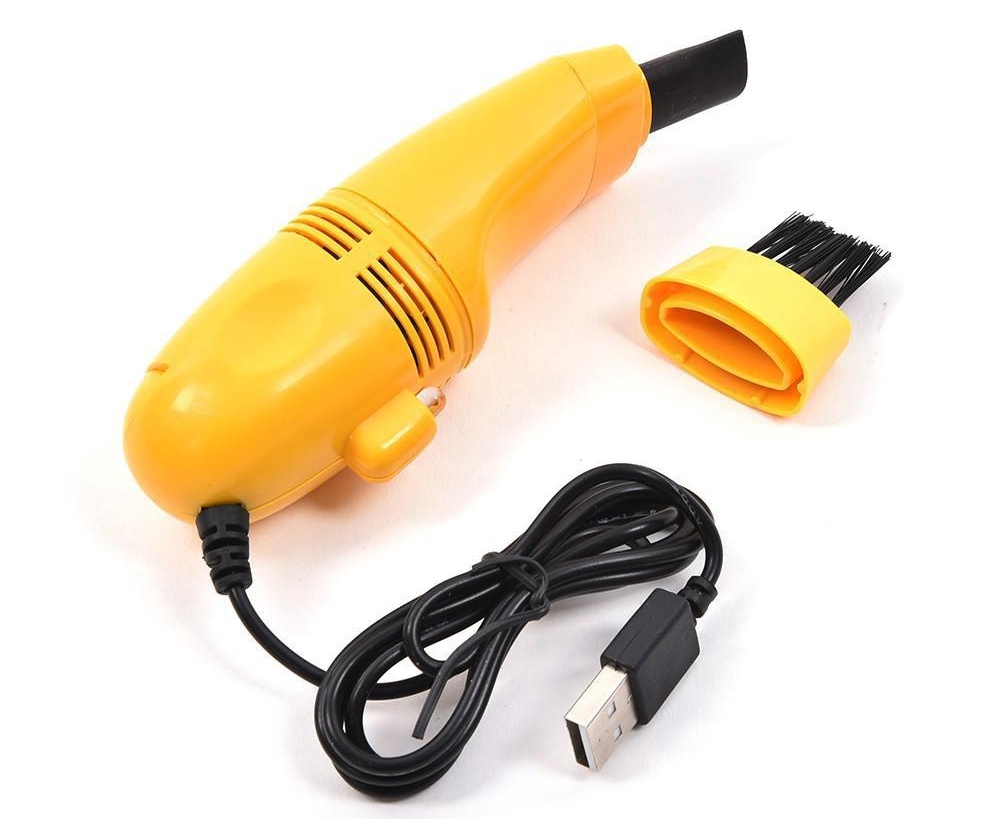
Computer Vacuum USB Keyboard Cleaner
P80, Shopee
Down from P179, this keyboard vacuum cleaner now costs only P80. You can plug it straight into your laptop's USB port without it requiring any external power source.
***
Cosmo.ph is officially on Viber! Be part of their growing community and subscribe to Cosmopolitan Philippines now!
This story originally appeared on Cosmo.ph.
* Minor edits have been made by the Realliving.com.ph editors.